The Notius GUI is designed to balance powerful functionality with clear, context-aware navigation.
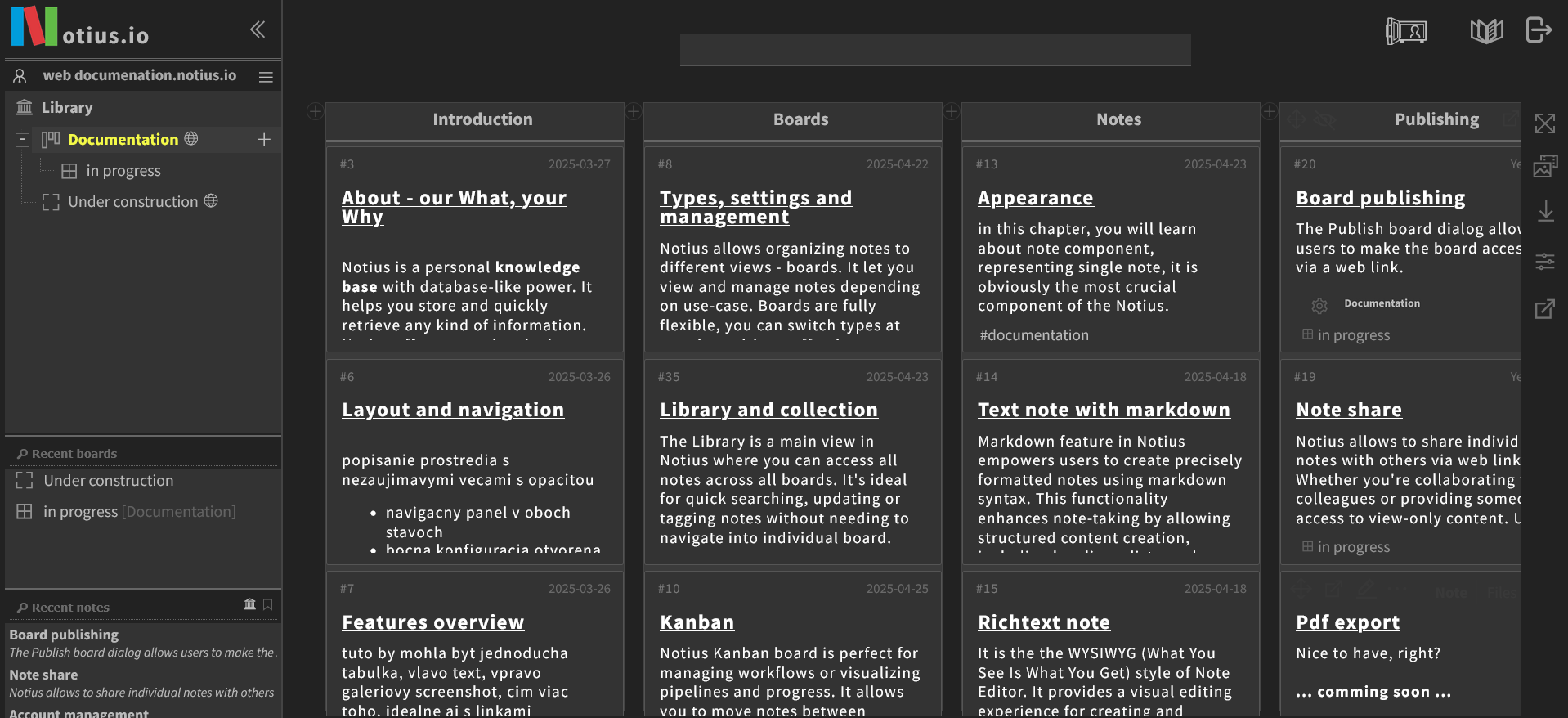 Notius GUI
Two ways of navigtion
Left Panel Navigation
Use the panel on the left to browse boards and sub-boards.
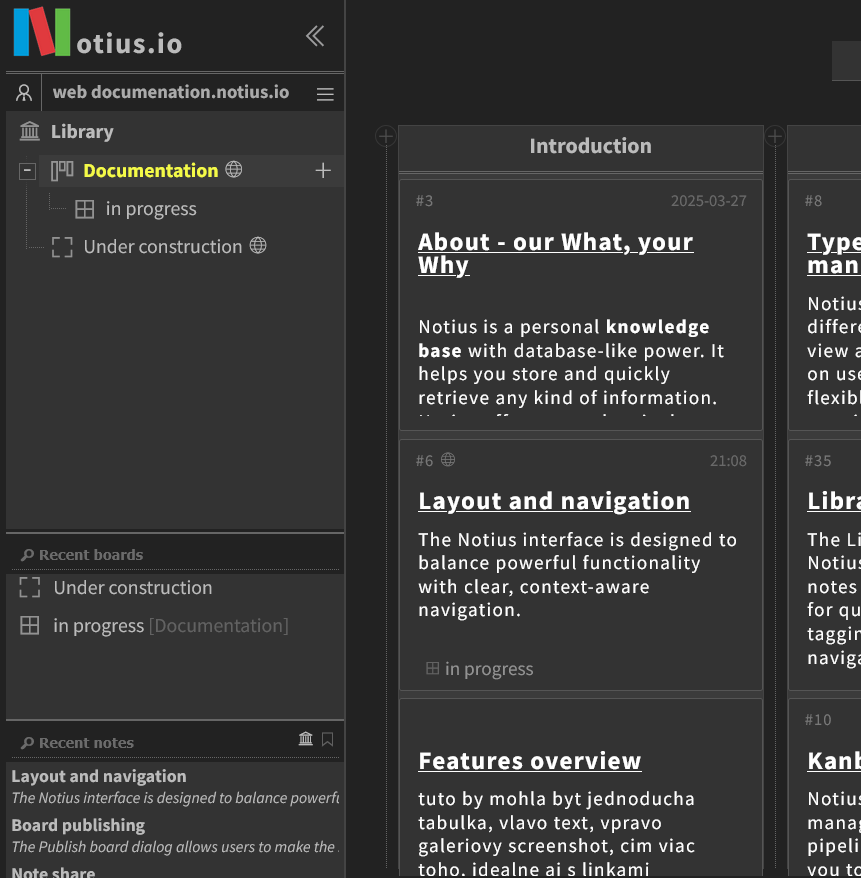 Left navigation panel
When the left menu is visible, users can:
- Browse the library or boards: Access boards organized in a tree view.
- Track recent activity: Quickly return to recently opened boards and notes using the Recent boards and Recent notes sections.
- Use quick search: Filter content directly from the navigation bar.
Board Switcher
The Board switcher appears at the top of the screen when user minimizes left panel.
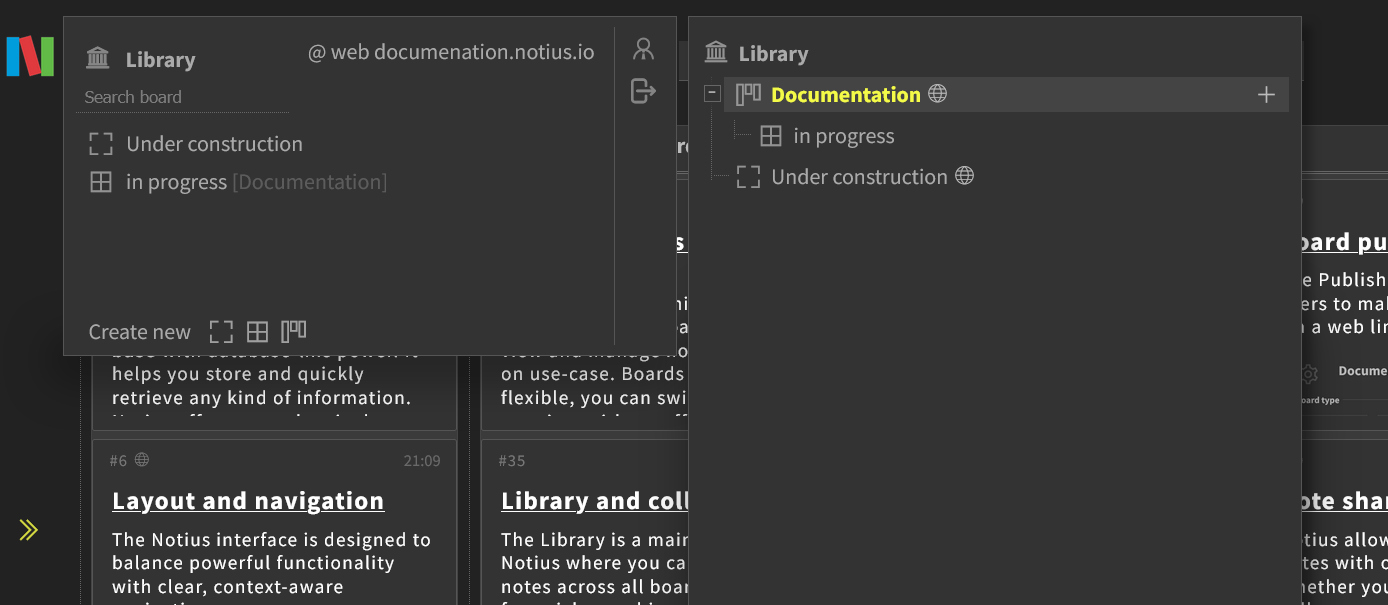 Board switcher
When the left panel is closed, a compact button appears in the top bar labeled Switch board. When clicked a floating board selector with a full tree view of all available boards is opened. This component:
- Lets users search, open, or organize boards from a central location.
- Offers the same hierarchical view as the sidebar but without taking up permanent space.
- Helps maintain focus on your current board, while still offering fast access to others.
This mode is perfect for maximizing workspace, especially on smaller screens or when working with large board layouts.