Notius Kanban board is perfect for managing workflows or visualizing pipelines and progress. It allows you to move notes between columns, giving you a high-level overview of your process.
Features
- Drag & drop notes between columns
- Custom column names (edit to match your process)
- Add or remove columns as needed
- Inline editing of notes directly in the Kanban view
- Seamless switch to other board types (grid, collection, library)
Search in Kanban
When searching in Kanban, only relevant notes are fully displayed with notes count indicated for each column as shown in picture below.
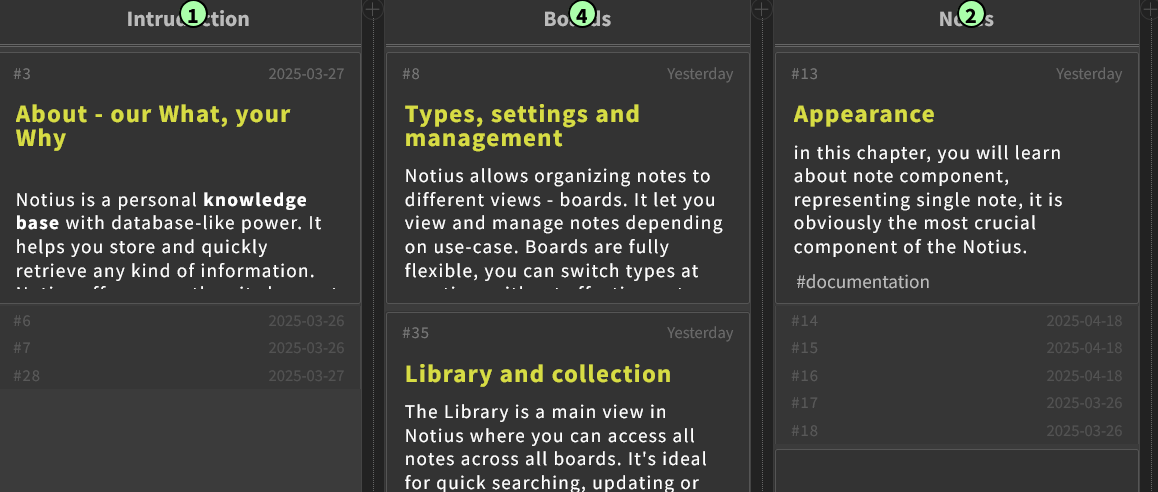 Kanban with search results
Switch Grid or Collectiomn to Kanban
After switch Grid or Collection board to Kanban, notes from source board are displayed in Incomming column, which allows user to move notes to destination column as needed.
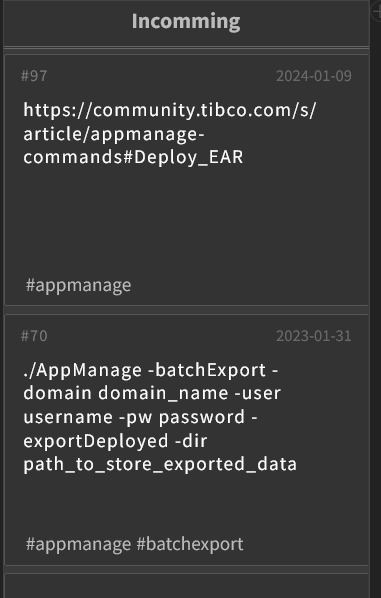 Incomming Kanban column example