The Publish board dialog allows users to make the board accessible via a web link.
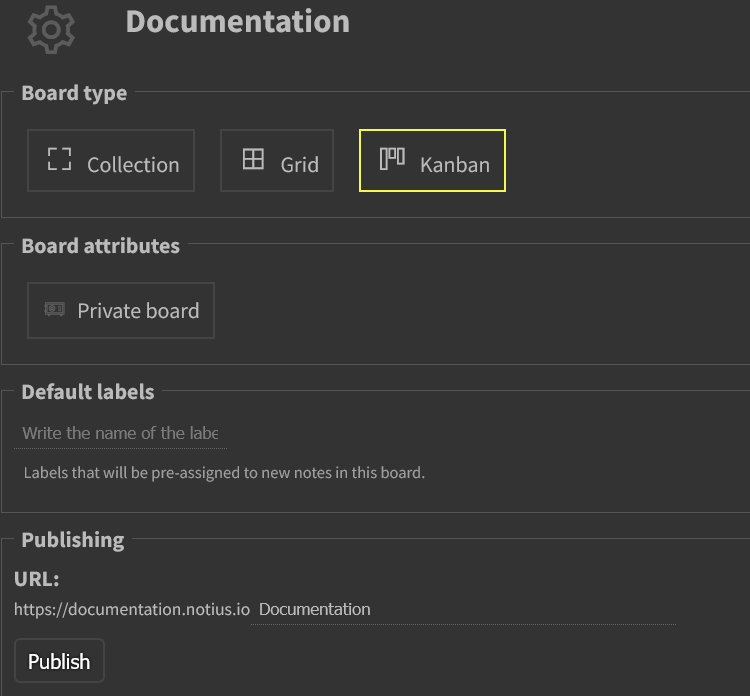 Board publish dialog
Publish according to board type
Collection and grid
In this case, board is published as document with one level menu. Notes are published in order as specified in grid.
In case of collection, order is specified by edit date and time. Note edited as latest appears first in the published document.
Kanban
Kanban board is published as document with two levels menu. Column name is frst level item, note title is second level item.
Publish web link
It is possible to specify your own url path for published board.
note: Please note, that board has to be re-published to reflect board and notes changes on the web.